

If it is about web servers, the two most known are NGINX (speak: engine X) and Apache. This article describes how to install and run an NGINX based web server.
The platform I am using for the NGINX web server is Ubuntu Linux running on my own virtual server in the cloud. The article Run Your Own Virtual Private Server in the Cloud provides basic information and leads to a tutorial how to install and run your own Virtual Private server in the cloud. For a very small usage group or testing purposes it may even be possible to run a web server from home on a home server.
Prerequisites
Have a virtual private server (see: Run Your Own Virtual Private Server in the Cloud) or a home server up and running on Ubuntu Linux
Install NGINX
Detailed Getting Started topics are available on the NGINX site: Getting Started | NGINX
Log in to the command line of your Ubuntu server and install NGINX with:
sudo apt update

sudo apt install nginx
If it runs through without any error, the basic install of NGINX is completed. You make check by entering your server's IP address into a browser:
http://X.X.X.X
NGINX should respond with a screen such as:
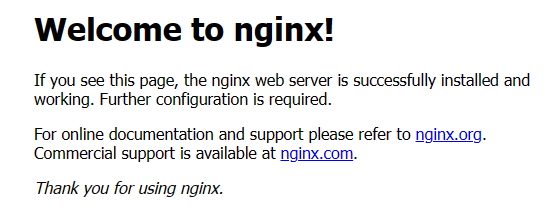
Configure NGINX
As next step you can configure your web server sites. Refer to this article to learn about the steps: Configure Web Sites for NGINX
